


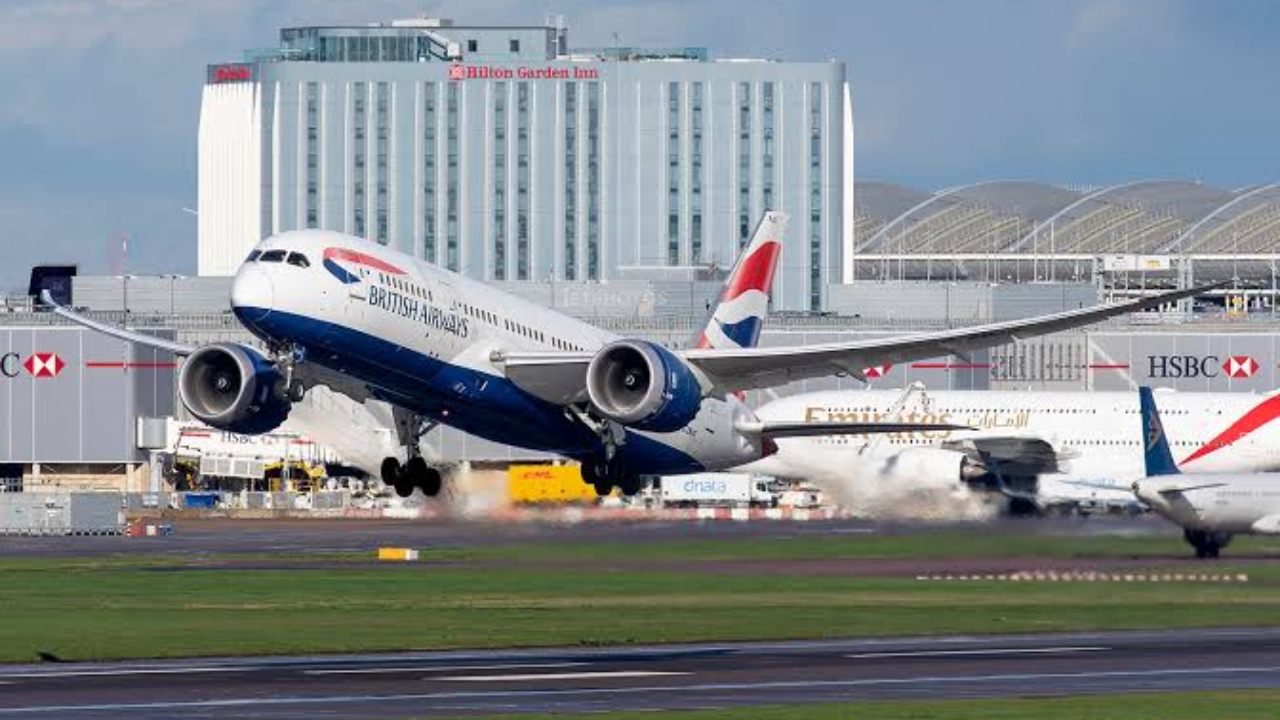
Checking your British Airways Flight Status before heading to the airport can save time, reduce stress and help you plan your journey more effectively. Whether you are flying for business, going on holiday or meeting someone arriving in the UK, knowing whether a flight is on time, delayed or cancelled is important.
British Airways operates a large network of domestic and international routes, so flight schedules can sometimes change because of weather, air traffic restrictions, operational issues or other circumstances. Fortunately, passengers have several ways to find the latest information about their flight.
This guide explains how to check British Airways flights, what different status messages mean, what to do if your flight is delayed or cancelled, and how to stay informed throughout your journey.
Who Is British Airways?
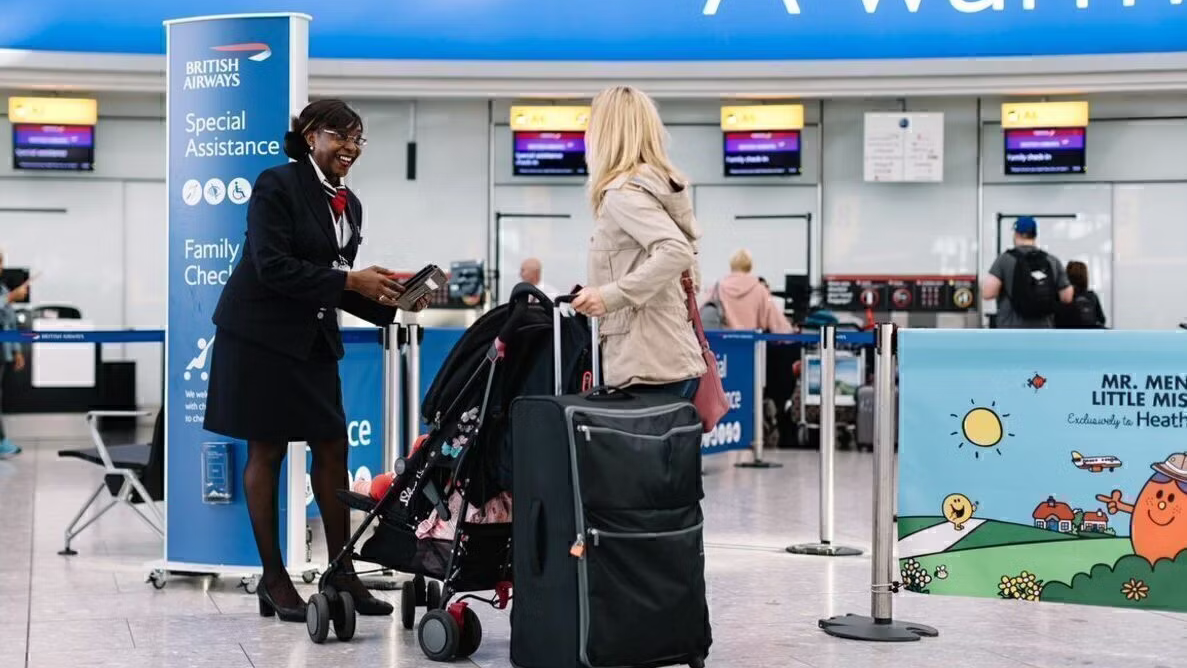
British Airways is one of the UK’s best-known airlines and the country’s flag carrier. The airline is based in London and operates flights to destinations across the UK, Europe, North America, Asia, Africa, the Middle East and other parts of the world.
The airline operates from several UK airports, with London Heathrow serving as its principal hub. Because British Airways handles a significant number of daily flights, passengers often check flight information before travelling.
A flight-status service provides useful details such as scheduled departure and arrival times, delays, cancellations and other operational updates. However, passengers should also check their booking information and airport displays because last-minute changes can occur.
How to Check British Airways Flight Status
There are several convenient ways to check the current status of a British Airways flight. The most reliable starting point is the airline’s official flight information service.
You normally need your flight number and travel date. A flight number may look something like BA123 or BA456. Entering the correct number helps you find information for the specific service you are travelling on.
You can also check information through:
- The British Airways website
- The British Airways mobile app
- Airport departure and arrival boards
- Flight-status notification services
- Booking or itinerary information
- Customer service when further assistance is required
For international journeys, it is particularly useful to check the status before leaving for the airport. Flight schedules can change after you have received your original booking confirmation.
What Different Flight Status Messages Mean

Understanding the terminology used in flight information can make travel updates easier to interpret.
Scheduled: The flight is currently expected to operate according to its published timetable.
On time: The flight is operating close to its planned departure or arrival time.
Delayed: The flight is expected to leave or arrive later than originally scheduled. The amount of delay can vary, and the estimated time may change again.
Cancelled: The planned flight will not operate. Passengers should check their booking for information about rebooking or other available options.
Departed: The aircraft has left the departure airport.
Landed: The aircraft has arrived at its destination airport.
Gate information: When available, this can show where passengers should go for boarding. Gates can sometimes change, so checking airport screens remains important.
A status shown online is useful, but it should not replace checking the airport’s information screens when you are already at the terminal.
What Can Cause a British Airways Flight Delay?
Flight delays can happen for many different reasons, and not every delay is within the airline’s direct control.
Weather is one common factor. Heavy rain, snow, strong winds, fog and thunderstorms can affect aircraft movements and airport operations.
Air traffic restrictions can also lead to delays, particularly at busy airports. When the number of aircraft requiring take-off or landing slots becomes difficult to manage, flights may have to wait.
Other possible causes include aircraft servicing, technical checks, crew availability, airport congestion and operational changes.
If your British Airways Flight Status changes from on time to delayed, continue checking for updated information because the estimated departure time may be revised.
For passengers waiting at an airport, the combination of airline notifications and official airport displays is usually the most practical way to follow developments.
What to Do If Your British Airways Flight Is Cancelled
A cancelled flight can be frustrating, particularly when you have connecting flights, hotel reservations or important plans at your destination.
If British Airways cancels your flight, check your booking information for the options provided. Depending on the circumstances and applicable travel rules, passengers may be offered alternative travel arrangements or other options.
If you have connecting flights on the same booking, avoid making assumptions about the rest of your journey. A change to one flight can affect the entire itinerary.
Passengers should also keep important documents and booking information available, including:
- Your booking reference
- Flight number
- Passport or travel documents
- Alternative flight details
- Hotel or onward travel information
- Any messages received from the airline
If you are already at the airport, airport staff and British Airways representatives may be able to provide additional guidance.
It is also sensible to avoid booking a completely separate replacement flight immediately unless you understand your options and the consequences. Check the airline’s instructions first.
Tips for Keeping Up With Your Flight Status
The easiest way to stay informed is to check your flight at several stages of your journey.
Start by checking the status before leaving home. Then check again before travelling to the airport and once more after arriving at the terminal.
Keep notifications enabled if they are available through your booking or airline app. These alerts can be useful when there is a schedule change.
You should also allow enough time for airport procedures. Even when a flight initially appears to be delayed, the schedule can sometimes change again.
For connecting journeys, pay particular attention to the minimum connection time and the status of your next flight. If the first flight is delayed, speak with airline staff as soon as possible if you believe the connection may be affected.
Finally, remember that the information displayed on a flight tracker is not always the same as a boarding announcement. If an airport gate or boarding announcement conflicts with an earlier online update, follow the latest official airport or airline instruction.
Frequently Asked Questions
How can I check my British Airways Flight Status?
You can check your flight using British Airways’ official flight information service, mobile app, booking information or airport departure and arrival screens.
What information do I need to check a British Airways flight?
Your flight number and travel date are usually the most useful details when looking for a specific flight.
What does a delayed British Airways flight mean?
It means the flight is expected to depart or arrive later than its original schedule. The estimated time can change as the airline receives new operational information.
What happens if British Airways cancels my flight?
If your flight is cancelled, check the options provided with your booking. Depending on the circumstances, you may be offered alternative travel arrangements or other applicable options.
Can a flight status change after I check it?
Yes. Flight information can change because of operational, weather or airport conditions. It is therefore worth checking again shortly before travelling.
Should I still check the airport screens if my flight is showing as on time?
Yes. Airport screens and announcements provide important information about gates, boarding and last-minute operational changes.
Conclusion
Keeping track of your British Airways Flight Status is one of the simplest ways to make air travel more predictable. A quick check before leaving home can alert you to delays, cancellations or schedule changes and give you more time to adjust your plans.
For the most useful information, use official British Airways updates alongside airport displays and your booking details. If your flight is delayed or cancelled, remain flexible and check the options available for your particular itinerary.
Whether you are travelling from London, flying internationally or catching a connecting service, staying informed throughout the journey can help you travel with greater confidence.
For More Info! Quickfuture
